

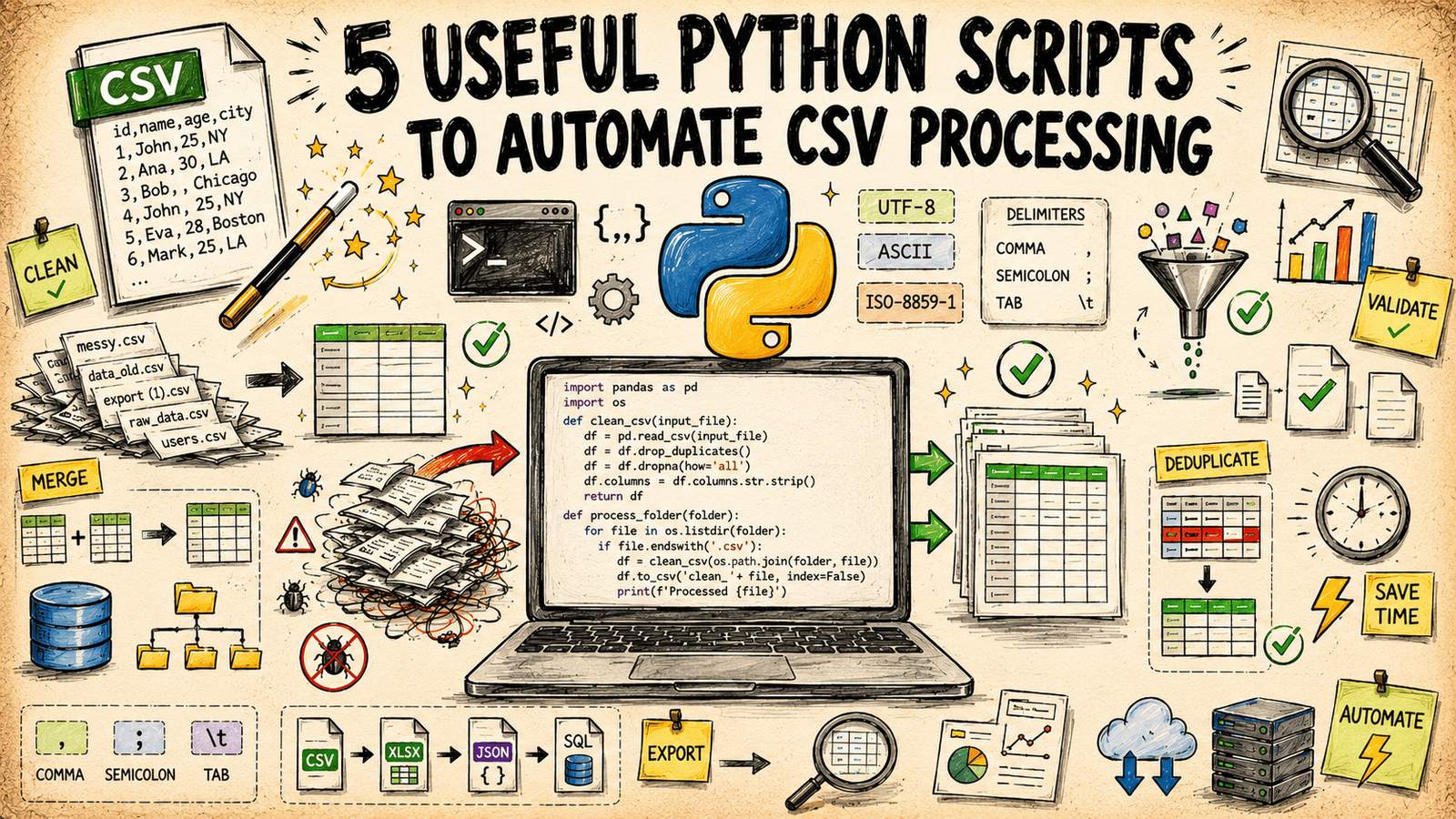
When working with CSV files, you often encounter issues like inconsistent delimiters, encoding errors, and duplicate rows. These problems are common but tedious to fix manually. Fortunately, Bala Priya C from KDnuggets has shared five useful Python scripts that automate these tasks using only the Python standard library. This means you can run them without installing third-party packages or managing additional dependencies. You can find all the scripts on GitHub.
The first script is a Schema Validator. It checks a CSV against a schema you define, including required columns, expected data types, and simple constraints. The schema is in a small JSON file, and the script streams the CSV row by row using csv.DictReader, which scales to large files without loading everything into memory. It produces a row-by-row error report, making it easy to see exactly which cells failed which rule. This is particularly useful for gating data before it enters a pipeline, as it exits with a non-zero status code when validation fails.
The second script is a Row-Level Diff Tool. It compares two CSV files using a key column or a combination of columns you specify and reports which rows were added, removed, or changed. This is invaluable for auditing exports between runs, as it ignores unchanged rows and focuses on what actually moved. The output is written as a CSV report with change_type, key, column name, old value, and new value, making it easy to filter or sort.
The third script is an Encoding and Delimiter Normalizer. It detects the delimiter and character encoding of an input file and rewrites it as clean, UTF-8, comma-separated CSV. This is crucial for files from older systems that use semicolons, tabs, or a byte-order mark that breaks the first column header. The script reads a sample of the file in binary mode and tries a shortlist of common encodings, falling back to a byte-level heuristic if none decode cleanly. It then re-writes the file with Python’s default CSV dialect, which uses comma delimiters, UTF-8 encoding, and
line endings.
The fourth script is a Configurable Column Transformer. It applies a set of column operations defined in a config file, including renaming, dropping, reordering, and deriving new columns. Derived columns are built from a small, safe expression syntax, ensuring the config file stays readable and doesn’t require trusting arbitrary Python execution. This is perfect for tasks like combining first and last name or converting a currency string to a float, and it processes the file row by row with csv.DictReader and csv.DictWriter, keeping memory use flat regardless of file size.
The fifth script is a Sampler and Field Anonymizer. It takes a random sample of rows from a large CSV and replaces real values in sensitive columns with consistent, irreversible placeholders. This is essential for sharing a slice of production data without exposing sensitive information. The script uses reservoir sampling to pull a random, uniform sample of rows without first loading the entire file into memory, and it applies a keyed hash to the original value and truncates it to a short, readable token. For example, email addresses are replaced with consistent pseudonymous values, allowing referential relationships between rows to remain intact without retaining the original values.
These scripts cover the CSV chores that show up constantly but don’t quite justify writing bespoke code from scratch each time. Whether you need to validate a schema, compare CSV snapshots, normalize encoding and delimiters, transform columns, or anonymize data, these scripts provide a robust solution. Pick the one that matches your current task and go from there.