
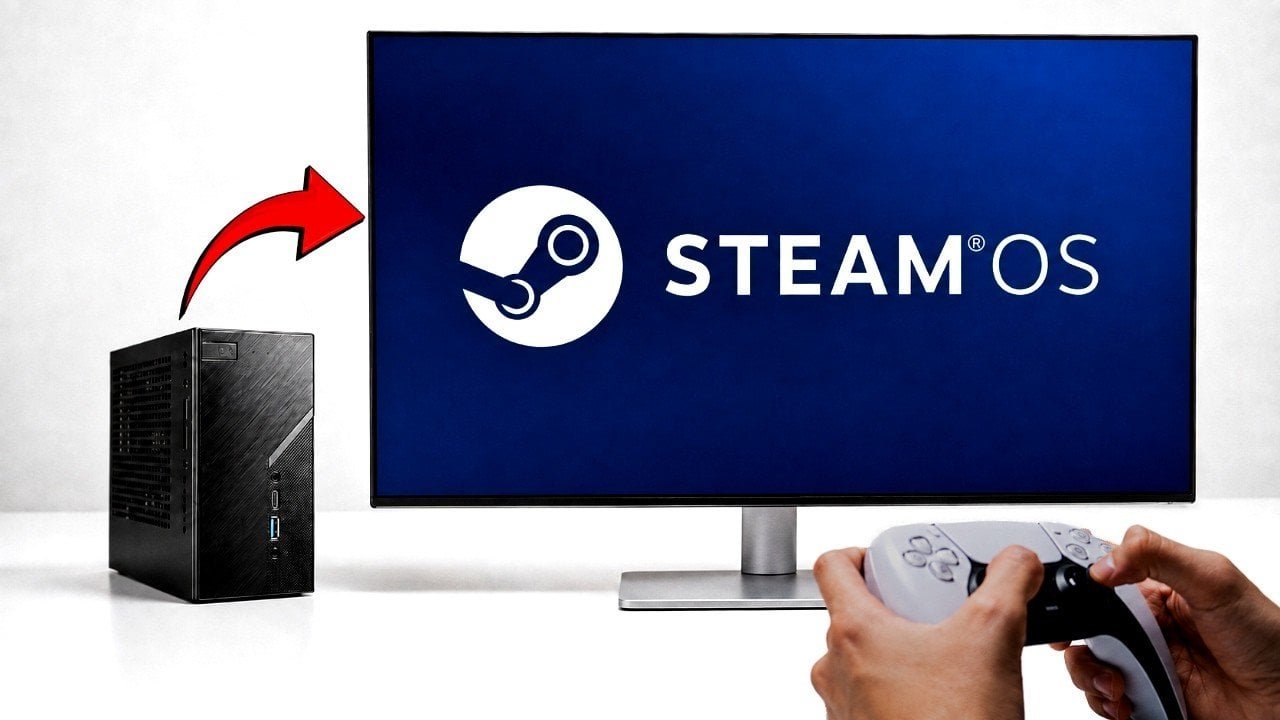
Valve’s decision to make SteamOS free has opened up a new avenue for mini PC enthusiasts, allowing them to transform their compact machines into dedicated gaming systems. SteamOS, built on Arch Linux, is designed to prioritize gaming performance and integrates seamlessly with the Steam platform, providing access to a vast library of titles.
Installing SteamOS on a mini PC isn’t a walk in the park. You’ll need to disable Secure Boot in the BIOS and address potential hardware-specific issues, such as configuring certain NVMe drives. These steps require careful attention to ensure a smooth installation. For instance, the ASRock DeskMini X300, equipped with an AMD Ryzen 7 5700G processor and 16GB of RAM, handled the installation process well, but it required meticulous setup.
The gaming performance of SteamOS varies significantly based on the hardware. Lightweight games like Silk Song achieved frame rates exceeding 200 FPS, while Tomb Raider maintained a steady 60+ FPS. Competitive shooters like Counter-Strike 2 ran at frame rates between 90 and 100 FPS. However, graphically demanding games like Cyberpunk 2077 struggled to exceed 20 FPS, even at low settings, highlighting the need for a dedicated GPU for resource-intensive titles.
SteamOS isn’t just for gaming; it includes the KDE Plasma desktop environment, making it a fully functional Linux operating system. This allows for everyday tasks such as web browsing, office work, and running non-Steam applications. The dual-purpose functionality makes it an attractive option for users who want a system capable of both productivity and entertainment.
Despite its potential, SteamOS is still in beta and presents several challenges. The installation process can be complex, with hardware compatibility issues and potential networking difficulties. Occasional crashes and stability concerns are also present, making it best suited for tech-savvy users willing to troubleshoot.
For those considering this route, the ASRock DeskMini X300 is a solid choice. Its compact design and efficient cooling system, maintaining CPU temperatures around 70°C under load, make it well-suited for a SteamOS-based gaming setup. However, if you plan to push your system with more demanding games or extended use, ensuring adequate cooling is essential.
In conclusion, installing SteamOS on a mini PC is a viable option for creating a dedicated gaming system with additional productivity capabilities. However, it requires technical expertise and a willingness to troubleshoot. For a detailed guide on the installation process and more insights, check out the original article here.