

I recently discovered a productivity hack that has significantly streamlined my digital life: creating an ‘Everything’ vault in Obsidian. This approach consolidates notes, tasks, and projects into a single, organized space, making it one of the most efficient productivity decisions I’ve made.
For years, I struggled with scattered digital information. Notes were in different Obsidian vaults, tasks lived elsewhere, and important projects required jumping between multiple tools. This fragmentation made it hard to stay organized and productive. That’s when I decided to rethink my approach to Obsidian. Instead of using it just as a note-taking app, I built an ‘Everything’ vault to manage various aspects of my digital life from one place.
My ‘Everything’ vault, named ‘My Galaxy,’ has a simple yet effective folder structure. The Work folder contains article ideas, research, client notes, meeting details, and important documents. The Personal folder is for everyday notes, plans, and daily thoughts. I also have dedicated folders for Hobbies, Learning, Finances, Resources, and Quotes. This structure ensures that everything has its place, making it easier to find and organize information.
To enhance this setup, I use the AutoMover plugin. This free community plugin automates the organization of my vault by moving notes to the correct folders based on custom rules. For example, notes with ‘Android Auto’ in the filename go to the Work folder, while notes tagged with #books go to the Hobbies folder. This automation saves time and keeps my vault tidy without manual intervention.
Another powerful feature is Obsidian Bases, which turns regular Markdown notes into database-like collections. I can create different views, add properties, apply filters, and organize information without needing another productivity app. For instance, I track article ideas using properties like publication, category, priority, and status. This feature makes my Everything vault a complete productivity workspace, not just a collection of folders.
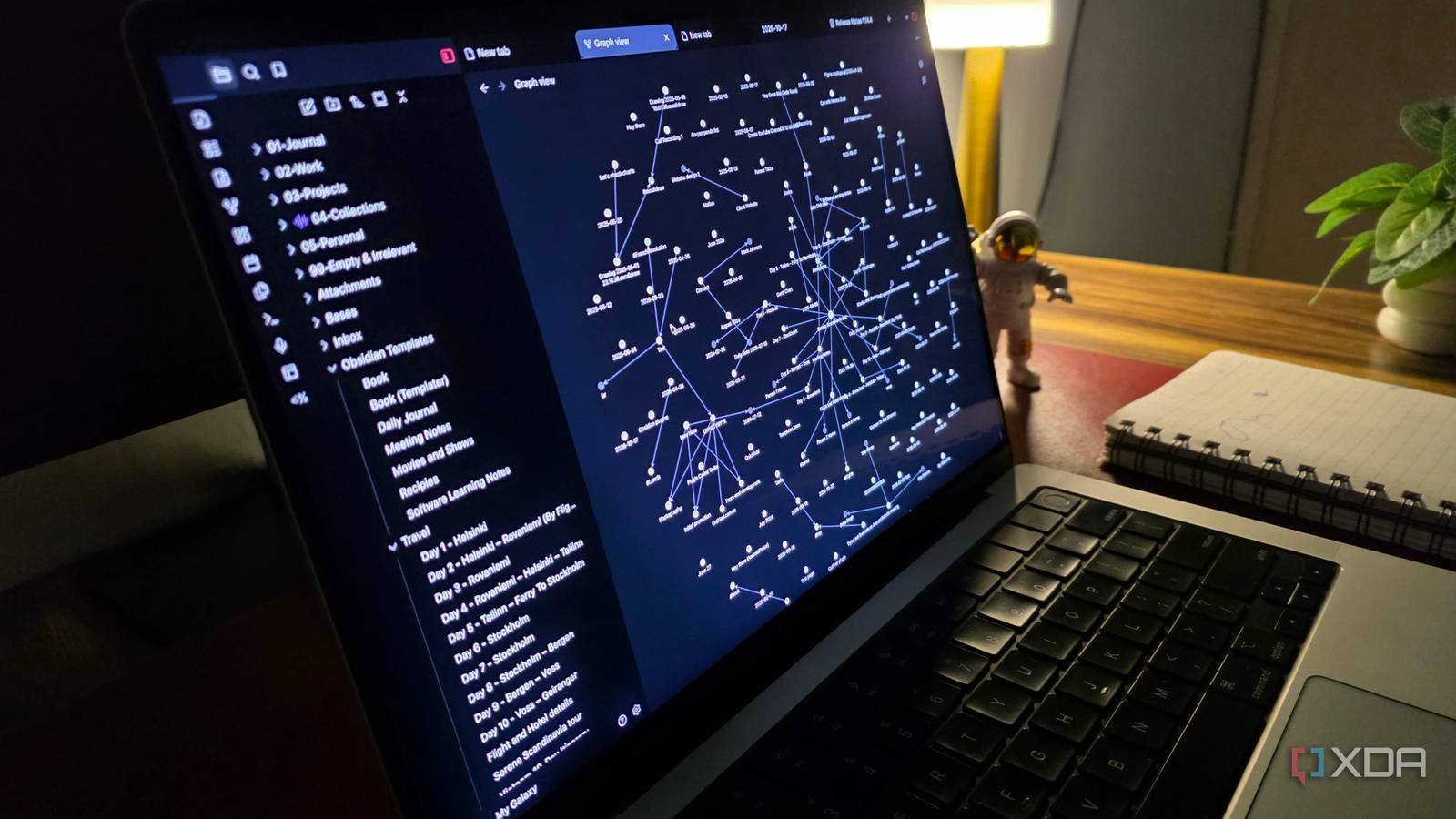
Searching for information is also effortless. Obsidian’s powerful search tool finds notes in seconds, and internal links and backlinks connect related notes across the vault. The Graph view with custom filters visualizes connections between notes, making it easy to focus on specific topics or projects.
Setting up an Everything vault requires initial planning and effort, but the long-term benefits are substantial. Once everything is in place, Obsidian handles much of the organizational work, making my digital life more manageable and productive. For more details, you can check out the original article here.