
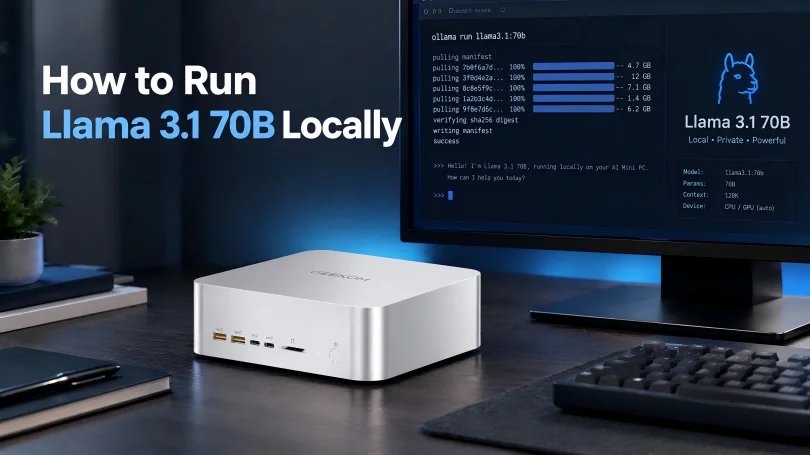
GEEKOM has published a guide on running Llama 3.1 70B locally on an AI mini PC using AMD ROCm. This is a significant development for those interested in local AI processing, as it allows for running large language models without relying on cloud services.
The key to running Llama 3.1 70B locally is having sufficient RAM. The model’s Q4 quantized version requires about 43.1GB of memory, so a mini PC with at least 128GB of RAM is recommended for smooth operation. This ensures that the operating system, model weights, context cache, and runtime buffers all have enough space.
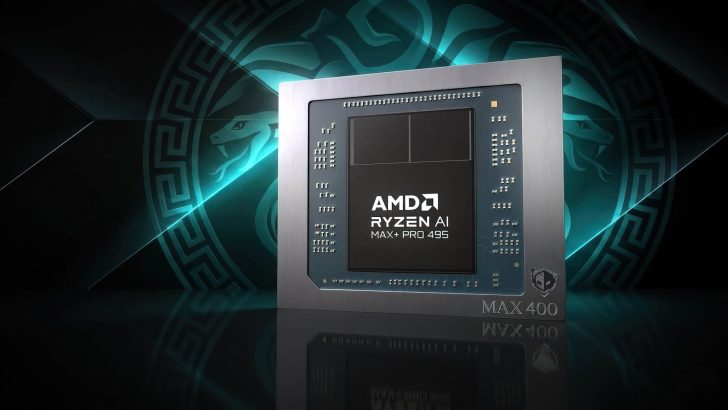
AMD’s ROCm platform is crucial for this setup. Not all AMD processors with Radeon graphics support ROCm; you need a specific APU or GPU listed in AMD’s ROCm compatibility matrix. GEEKOM’s A9 Mega, equipped with the Ryzen AI Max+ 395 and 128GB of RAM, is a good starting point. This mini PC supports local deployment of models like DeepSeek R1 70B, although performance may vary.
Storage is another critical factor. A 2TB NVMe SSD is recommended to handle the large model files and ensure fast loading times. Additionally, proper cooling and power management are essential for sustained inference tasks. Keeping the device in an open position and ensuring clear airflow can prevent thermal throttling.
Setting up the mini PC involves installing the correct version of Ubuntu with the AMD-supported kernel and driver. The installation process is straightforward but requires precise steps to ensure compatibility. GEEKOM provides a detailed guide on installing ROCm with the matching driver and toolkit, which is essential for optimal performance.
For those considering this setup, it’s important to note that while a mini PC can run Llama 3.1 70B, a desktop GPU system will generally provide better performance, especially for tasks requiring long prompts and quick responses. However, for home labs or small offices, a mini PC offers a compact and efficient solution.
In summary, running Llama 3.1 70B on an AMD AI mini PC is feasible with the right hardware and setup. GEEKOM’s guide provides valuable insights and practical steps for achieving this, making it a useful resource for anyone interested in local AI processing.
For more details, you can check out the original guide here.